SPECIFICATIONS
Brand: Enilinx
Brand Name: SUNSHINE
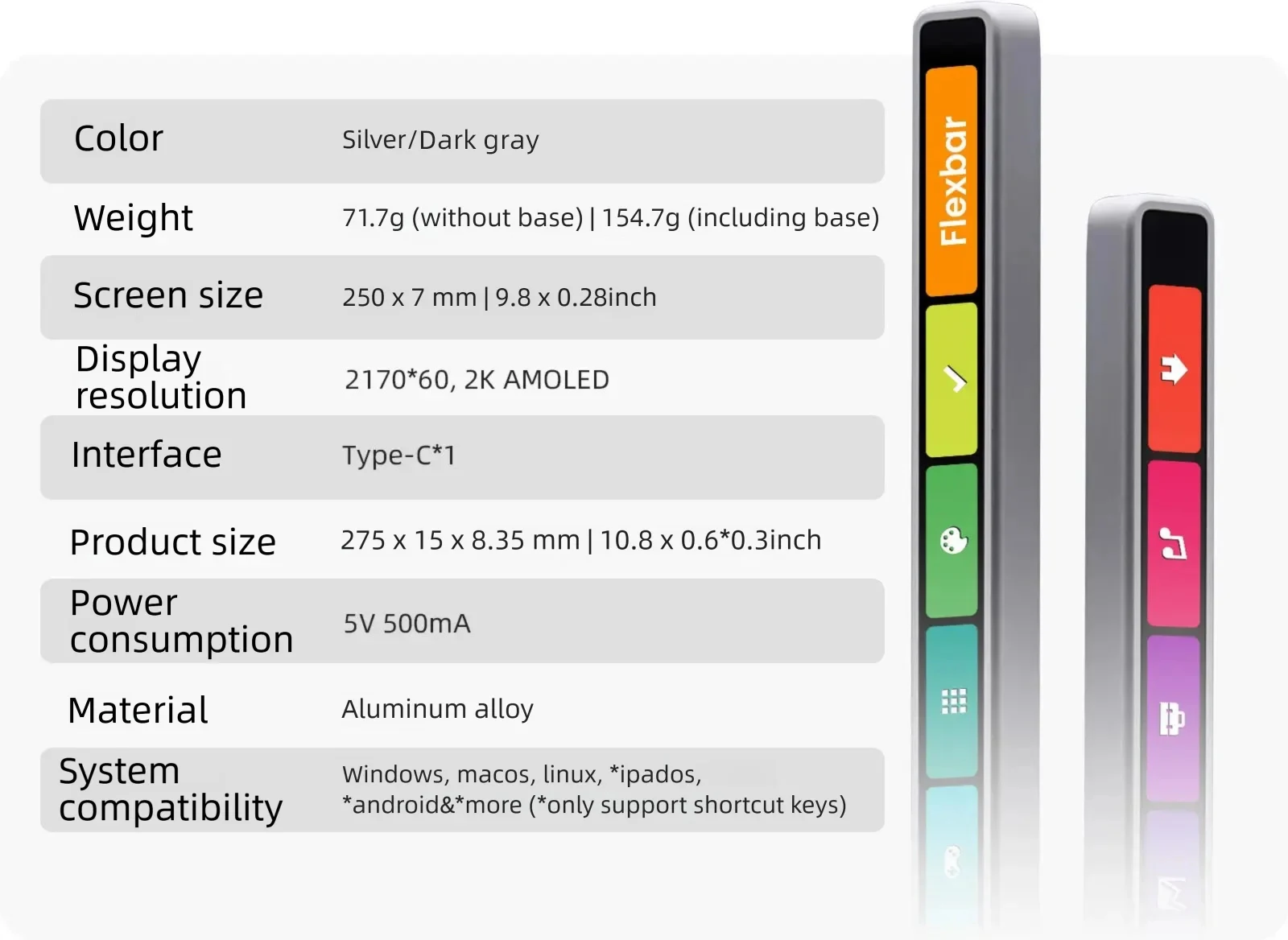
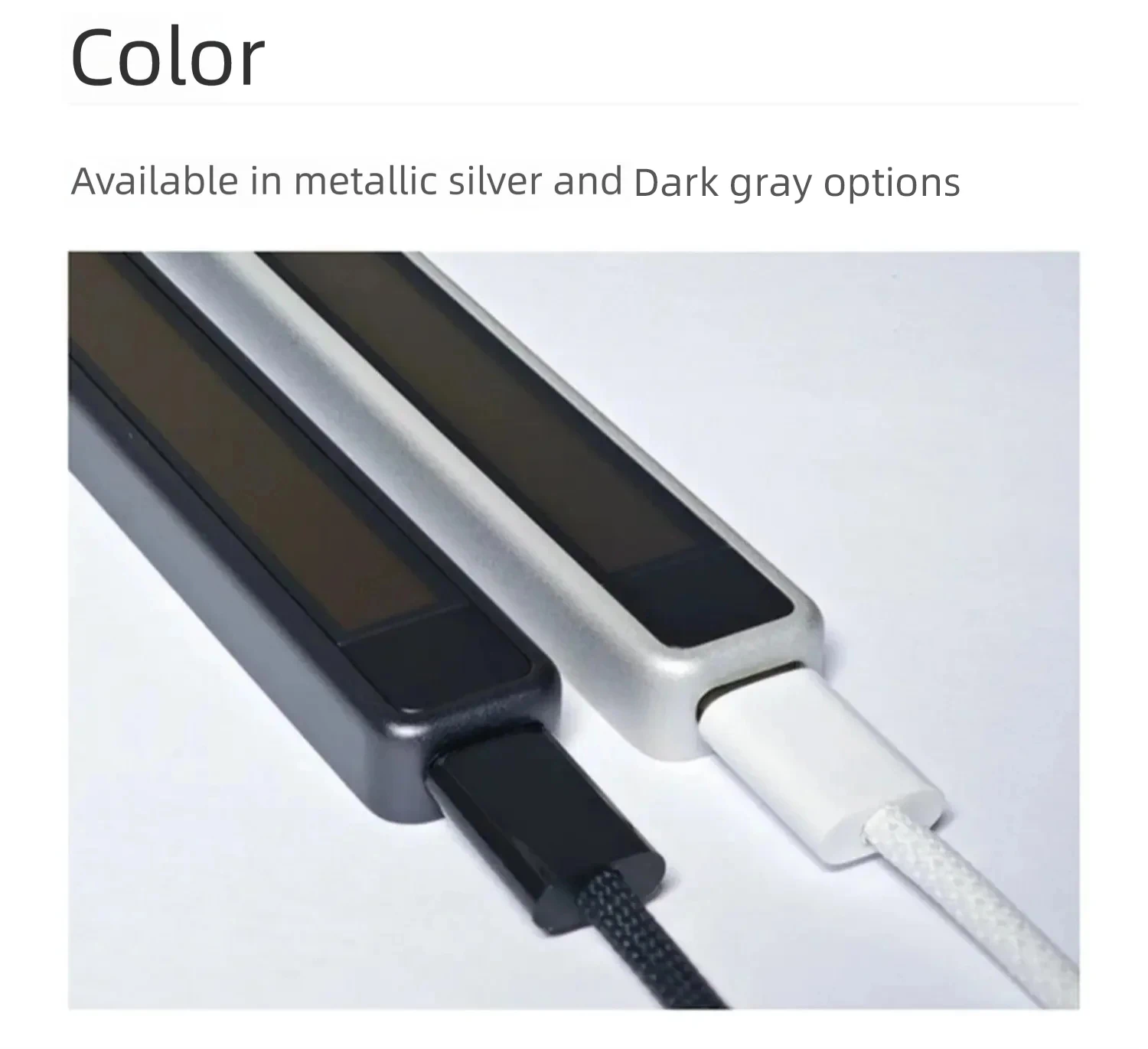
Color: Silver/Space Black
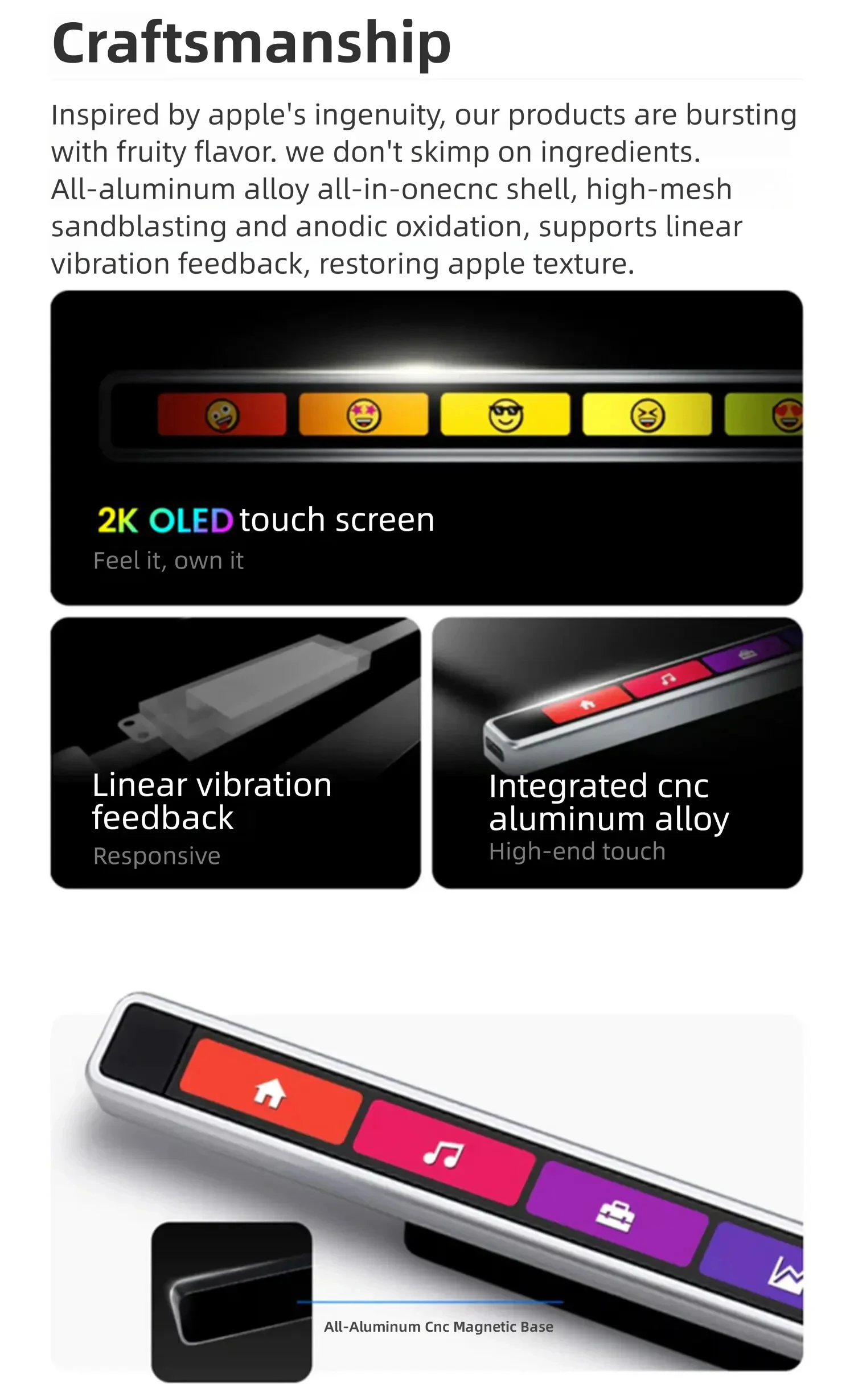
Display resolution: 2170*60, 2K AMOLED
High-concerned chemical: none
Material: Plastic
Origin: Mainland China
Power consumption: 5V 500mA
Product name: Multifunction Customized Touch Bar
Screen size: 250*7mm|9.8*0.28 inches
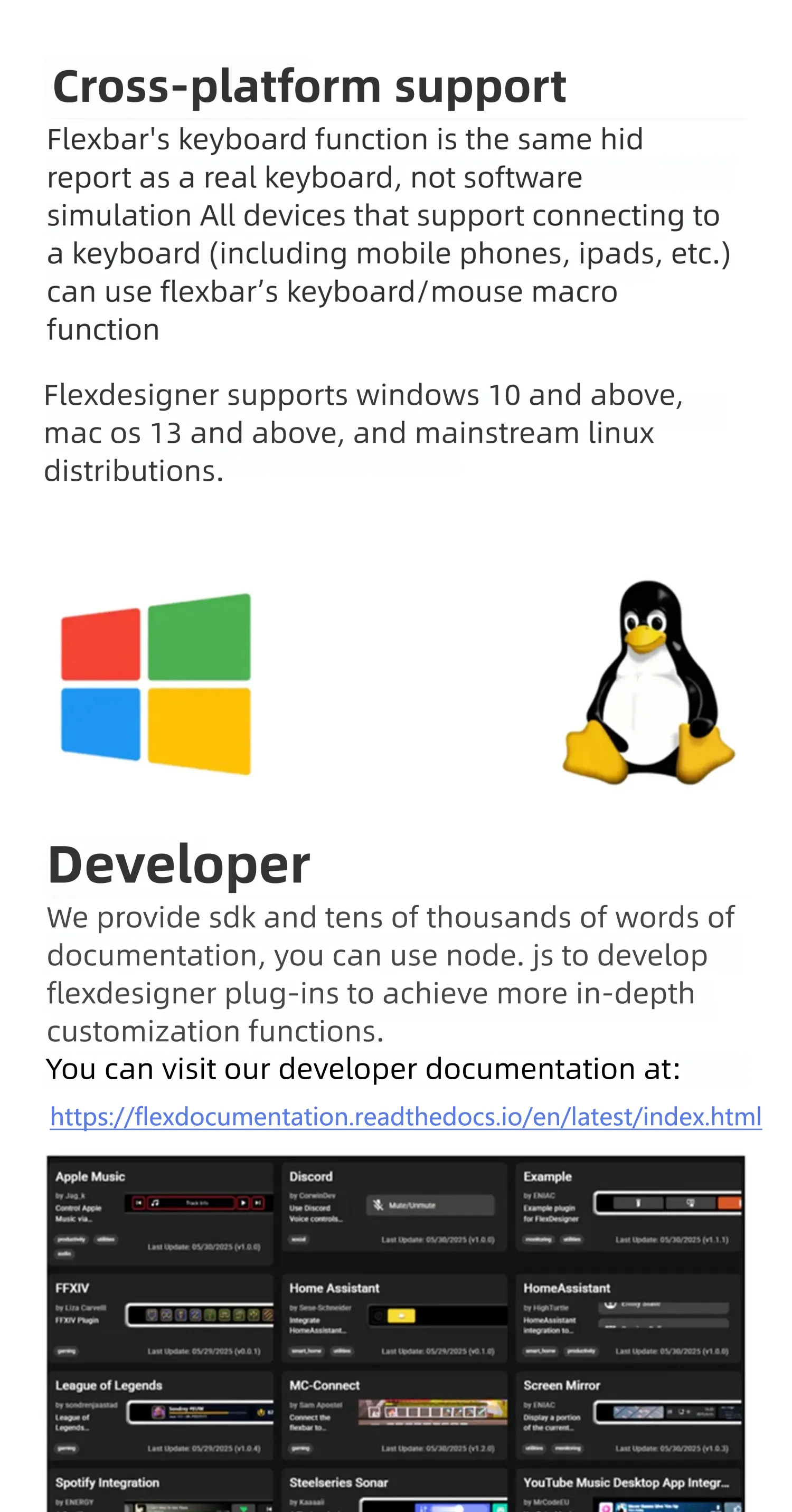
System compatibility: Windows, macOS, Linux, *iPadOS,*Android &*More(*Keyboard shortcuts only)
Type: Hand Tool Parts
Use: Home DIY
is_customized: No
Photoshop Shortcut Console
Premiere Timeline Controller
OBS Live Stream Controller
AI Workflow Controller
Save up to 2 hours every day
One Touch Workflow Control
Compatible with: Photoshop, Premiere, OBS, Lightroom, DaVinci Resolve, Blender, Figma
Replaces Multiple Devices:
✓ Macro Keyboard
✓ Shortcut Panel
✓ Touch Controller
✓ Creative Console
All In One
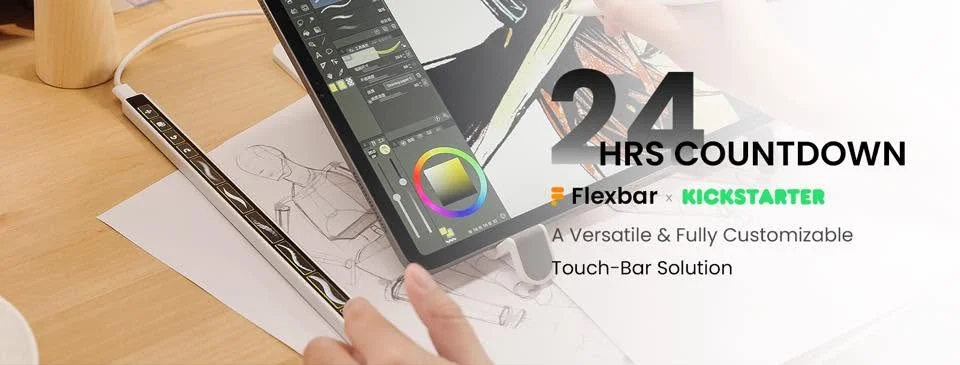
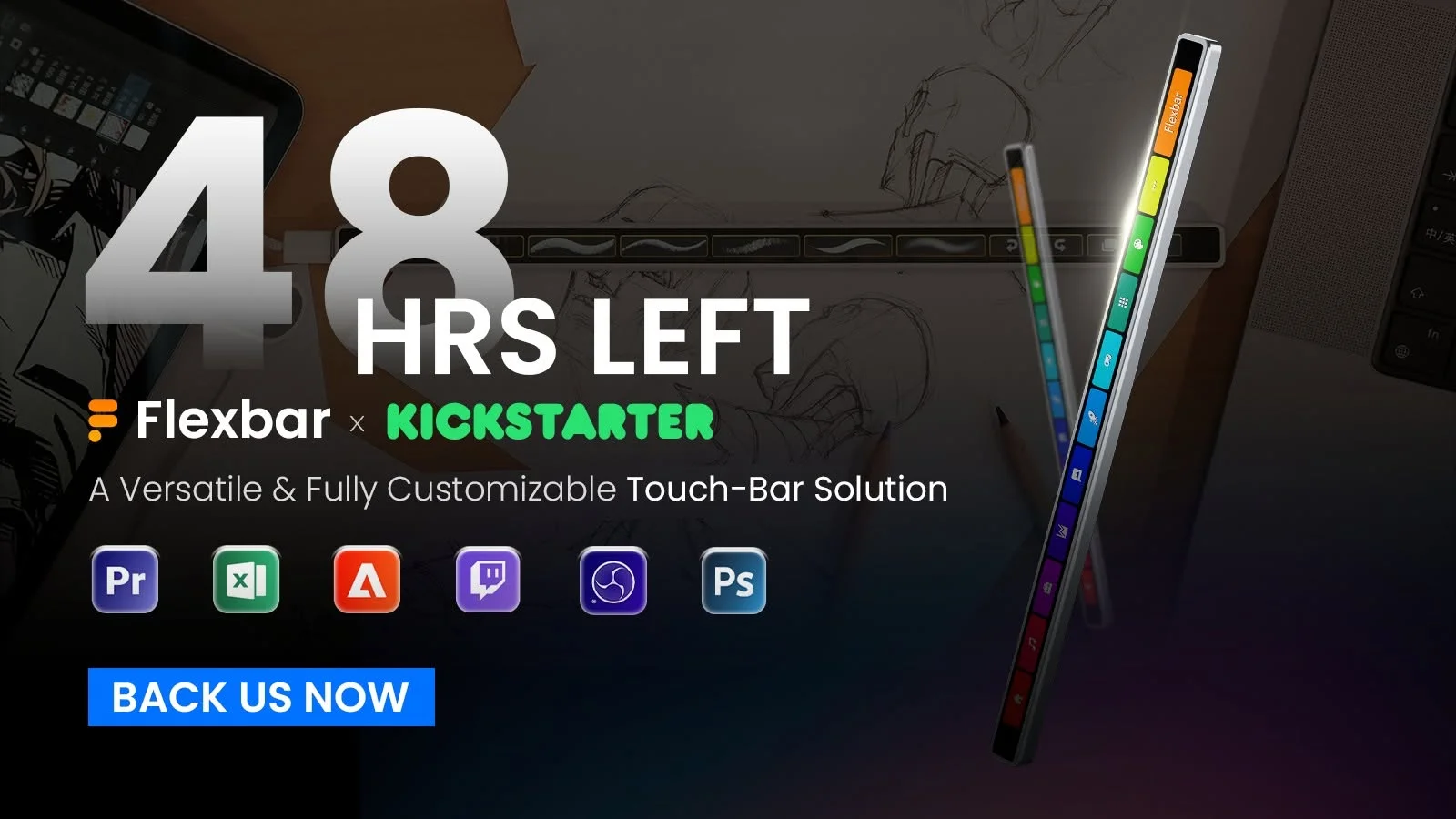
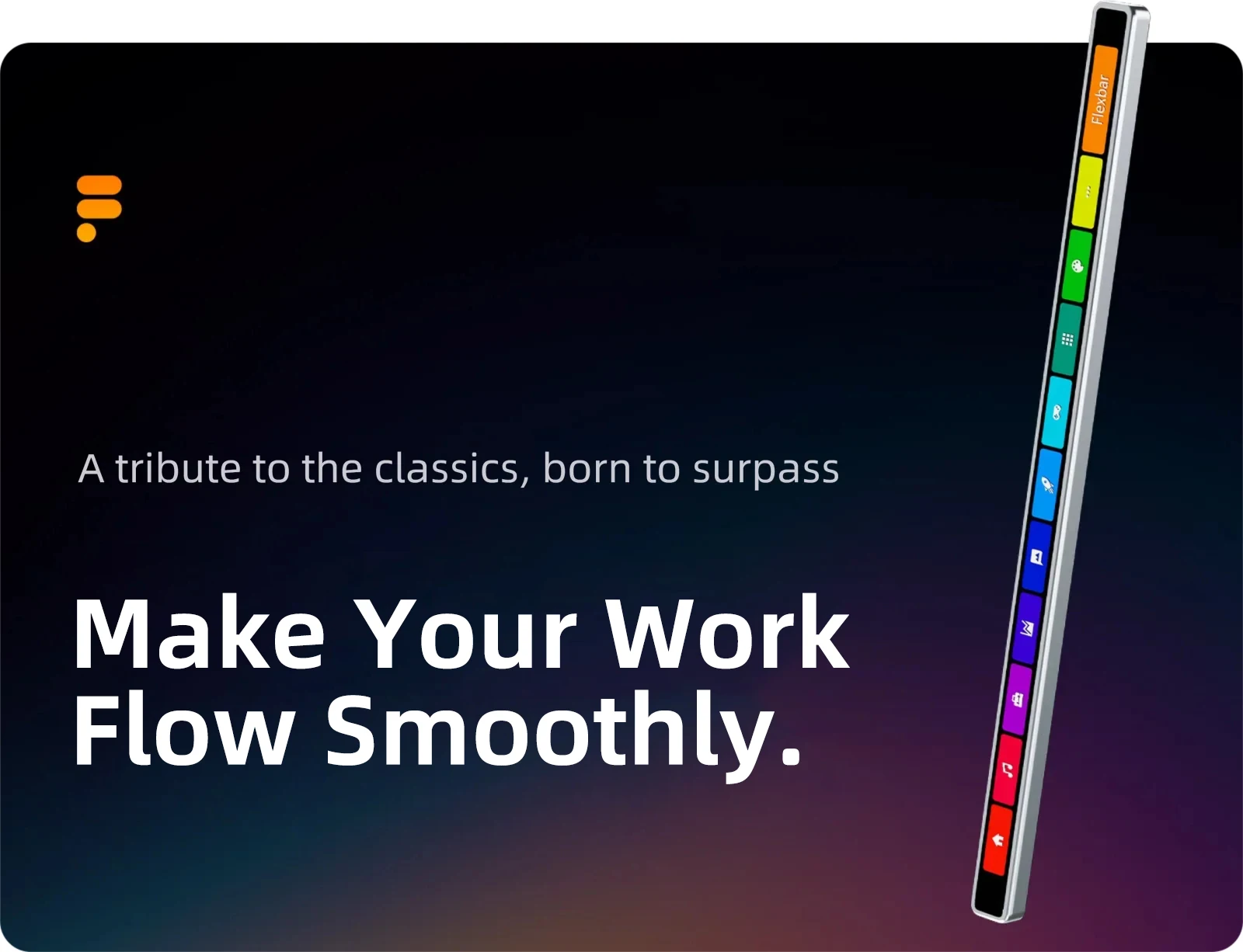
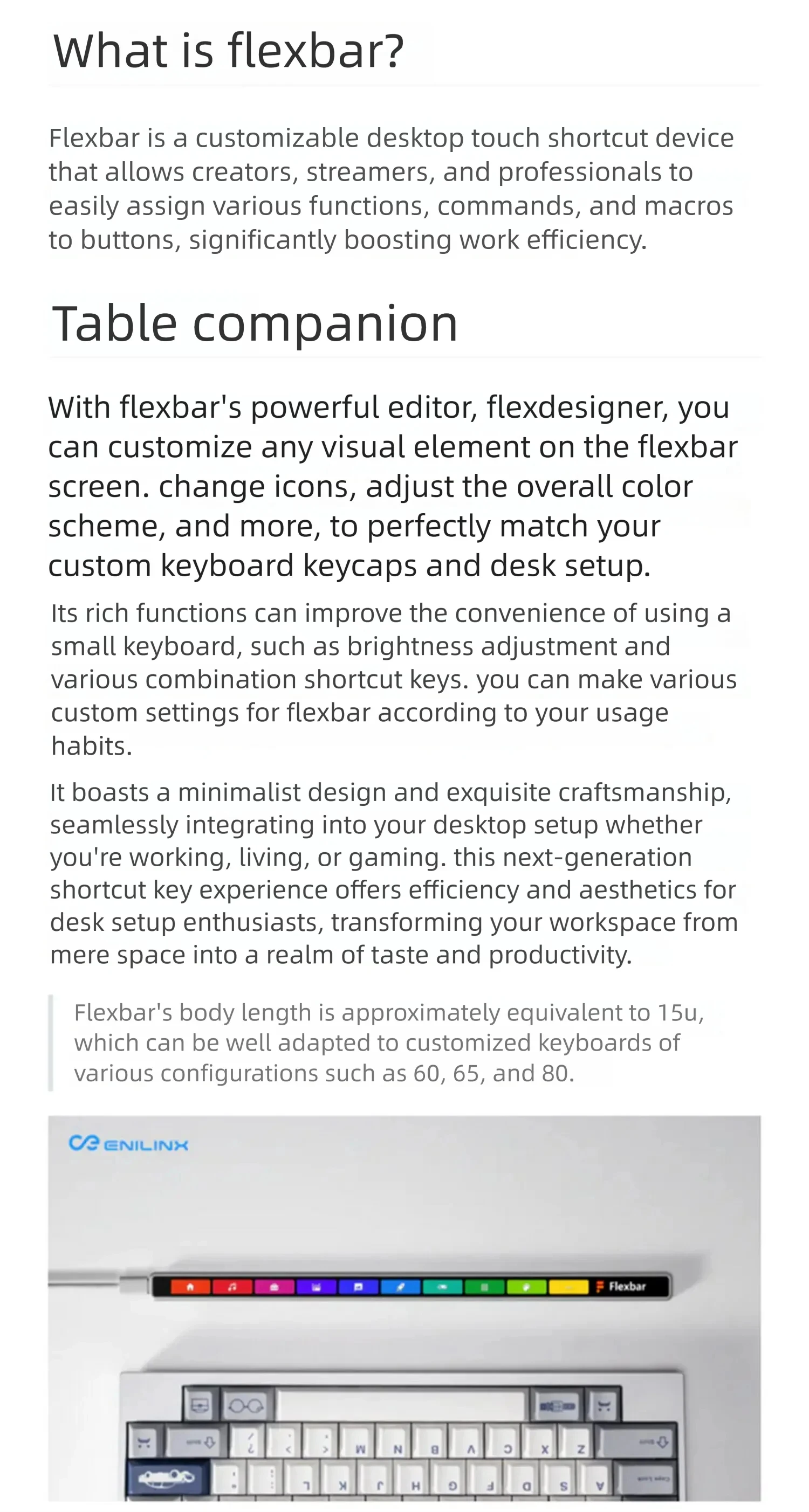
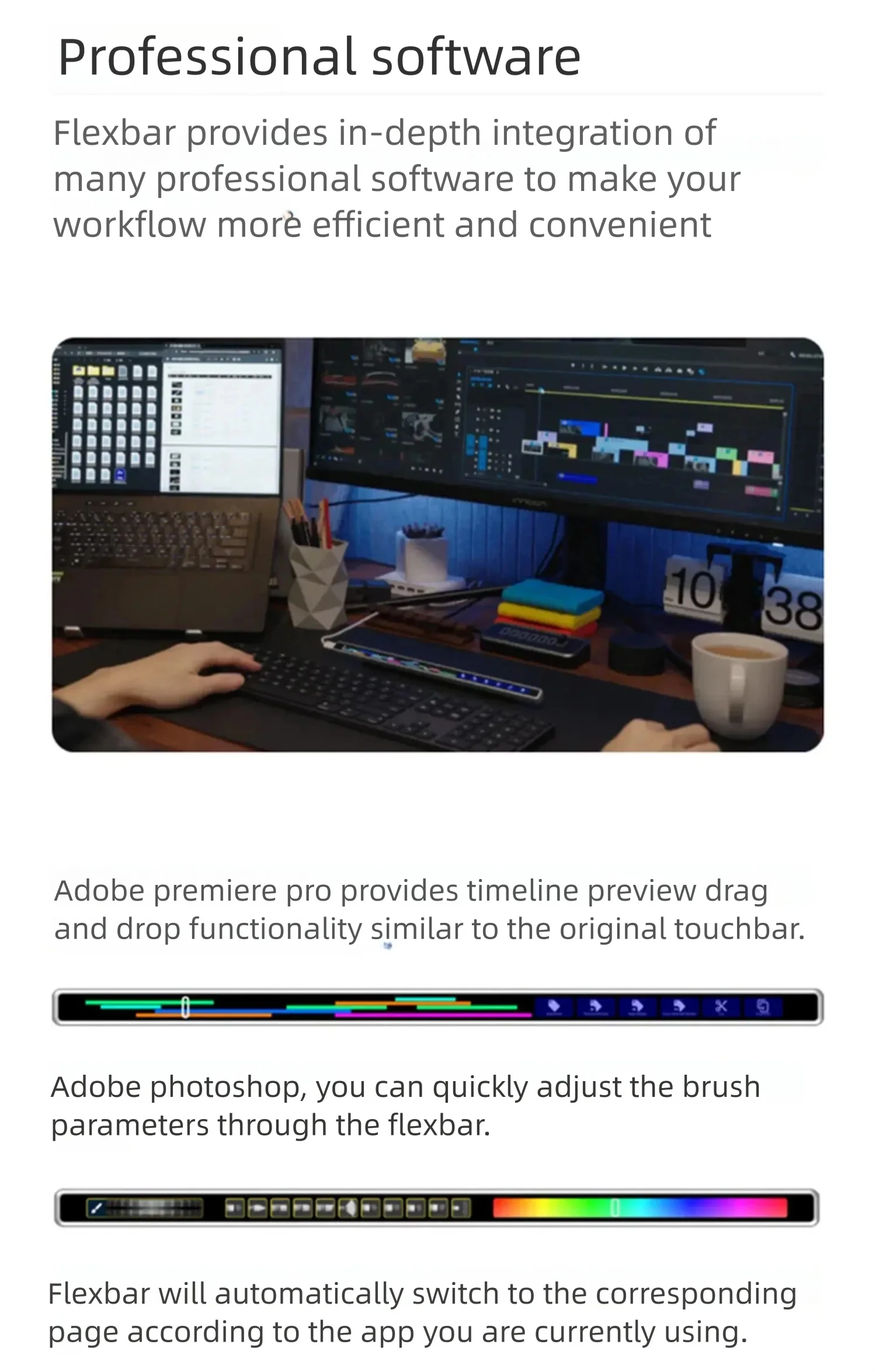
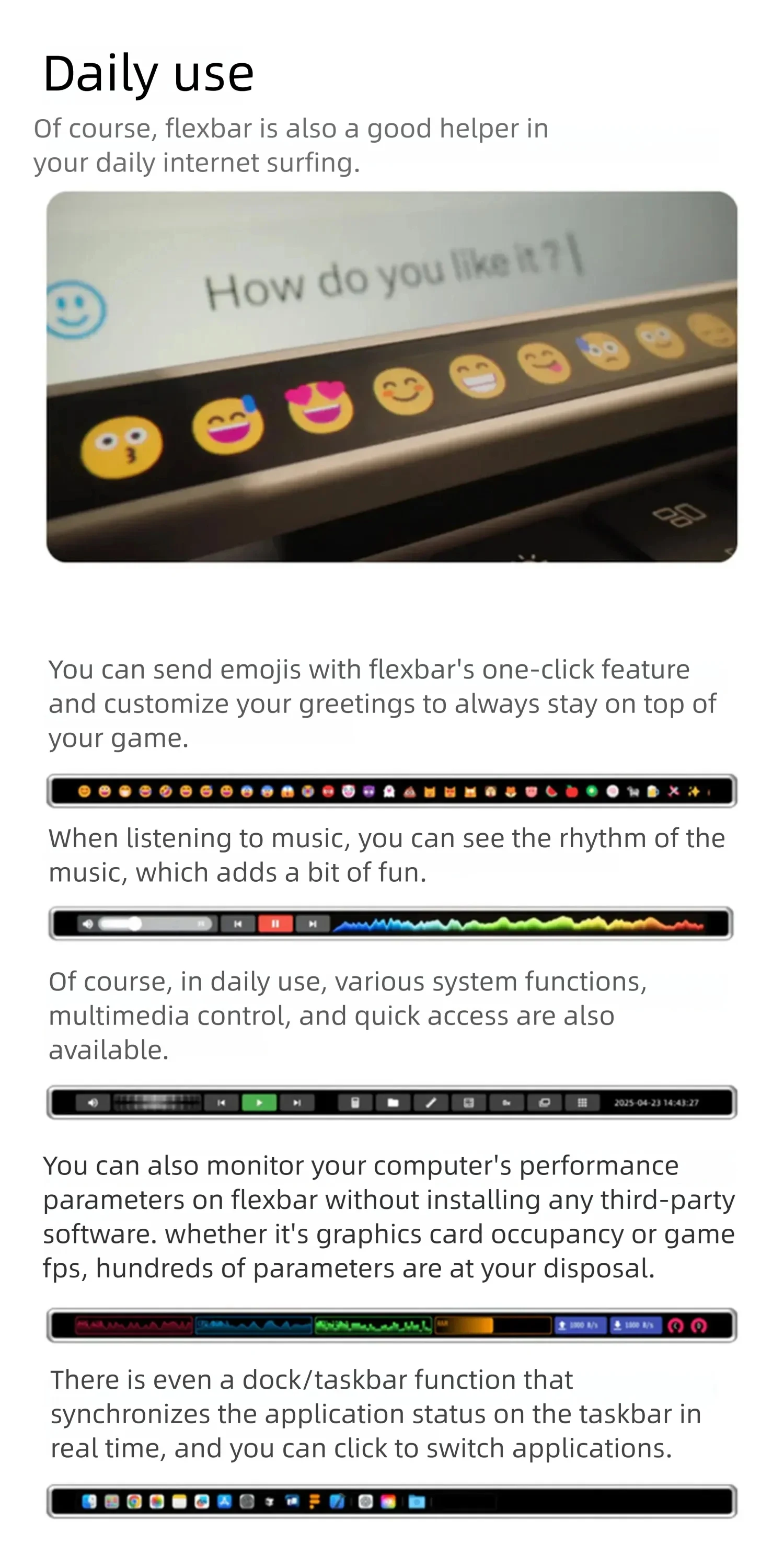
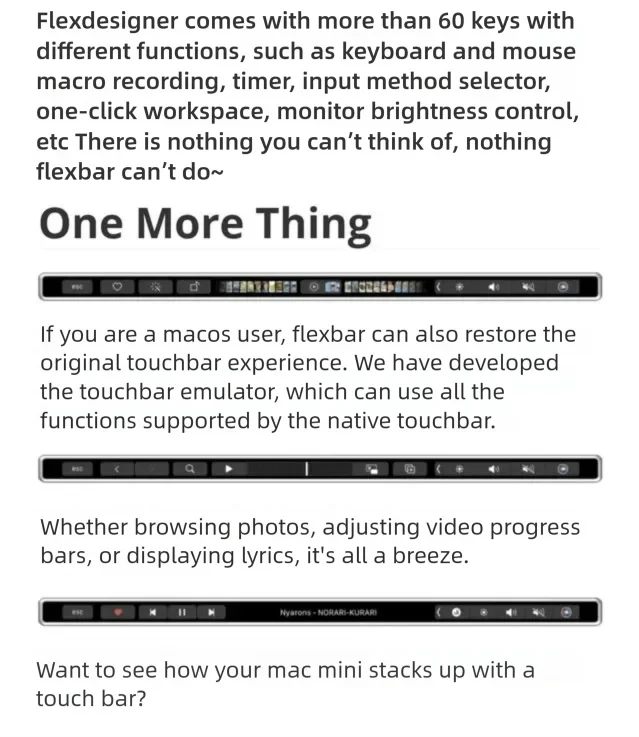
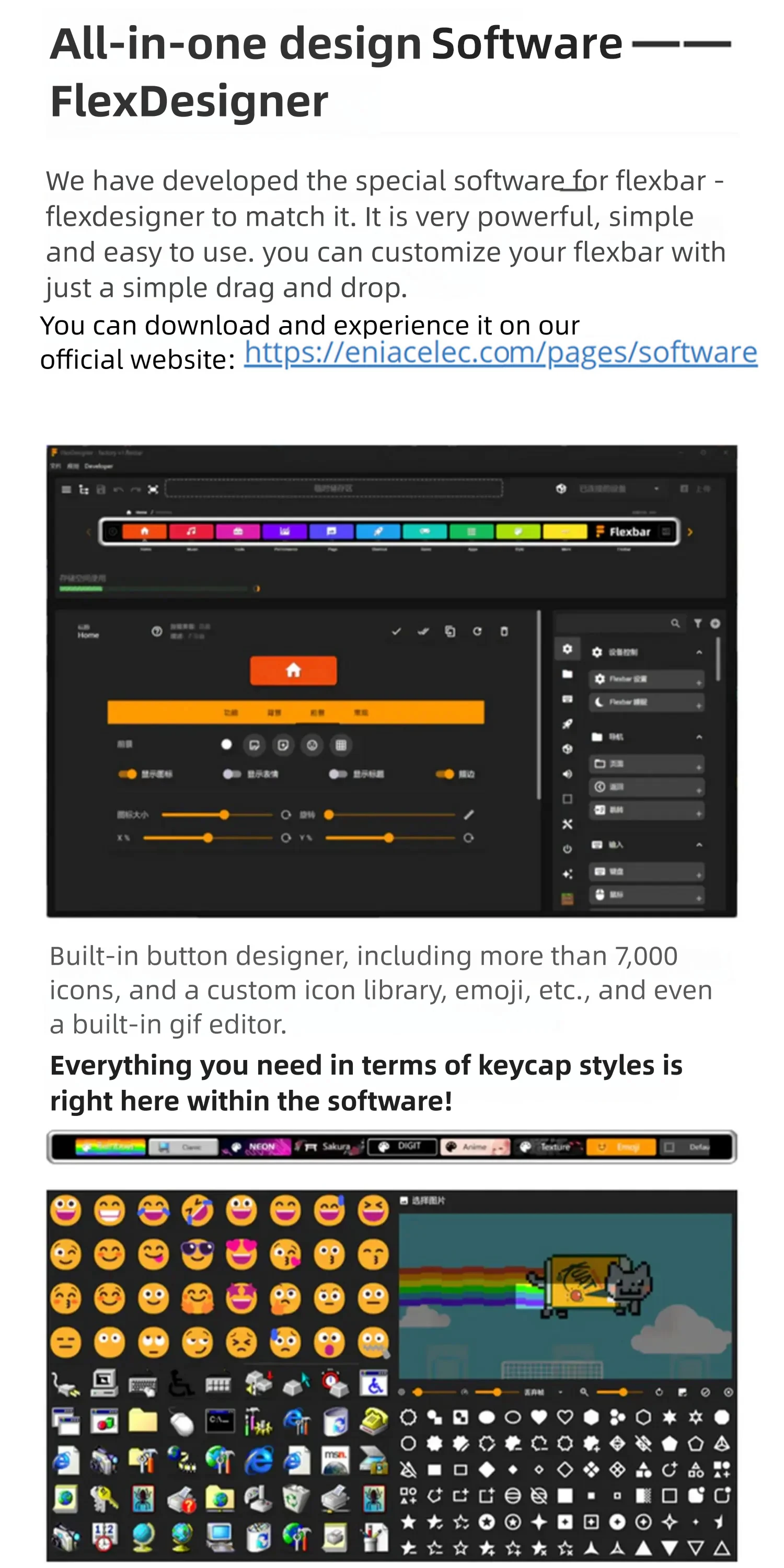
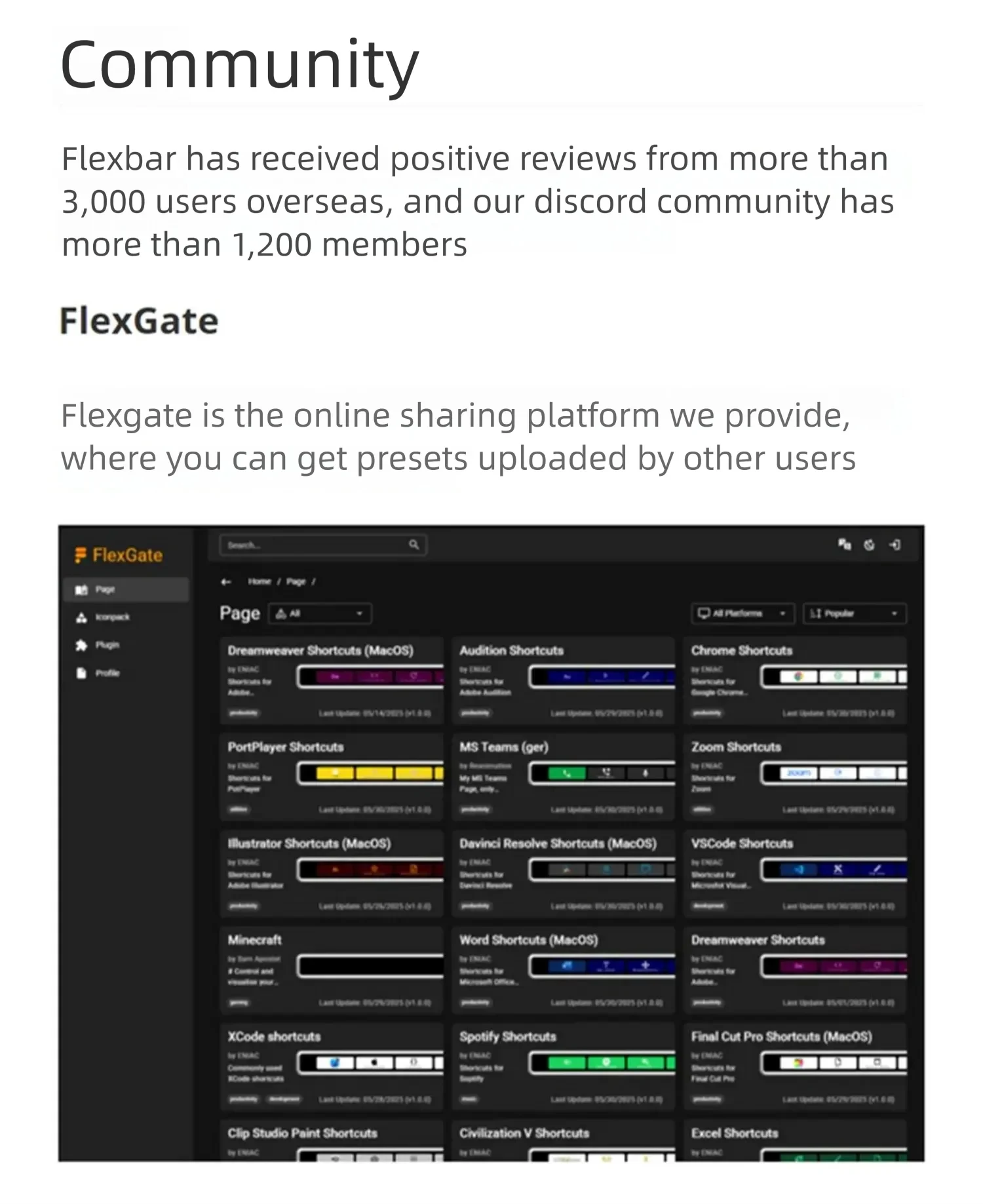
Consumer questions: What is Flexbar?
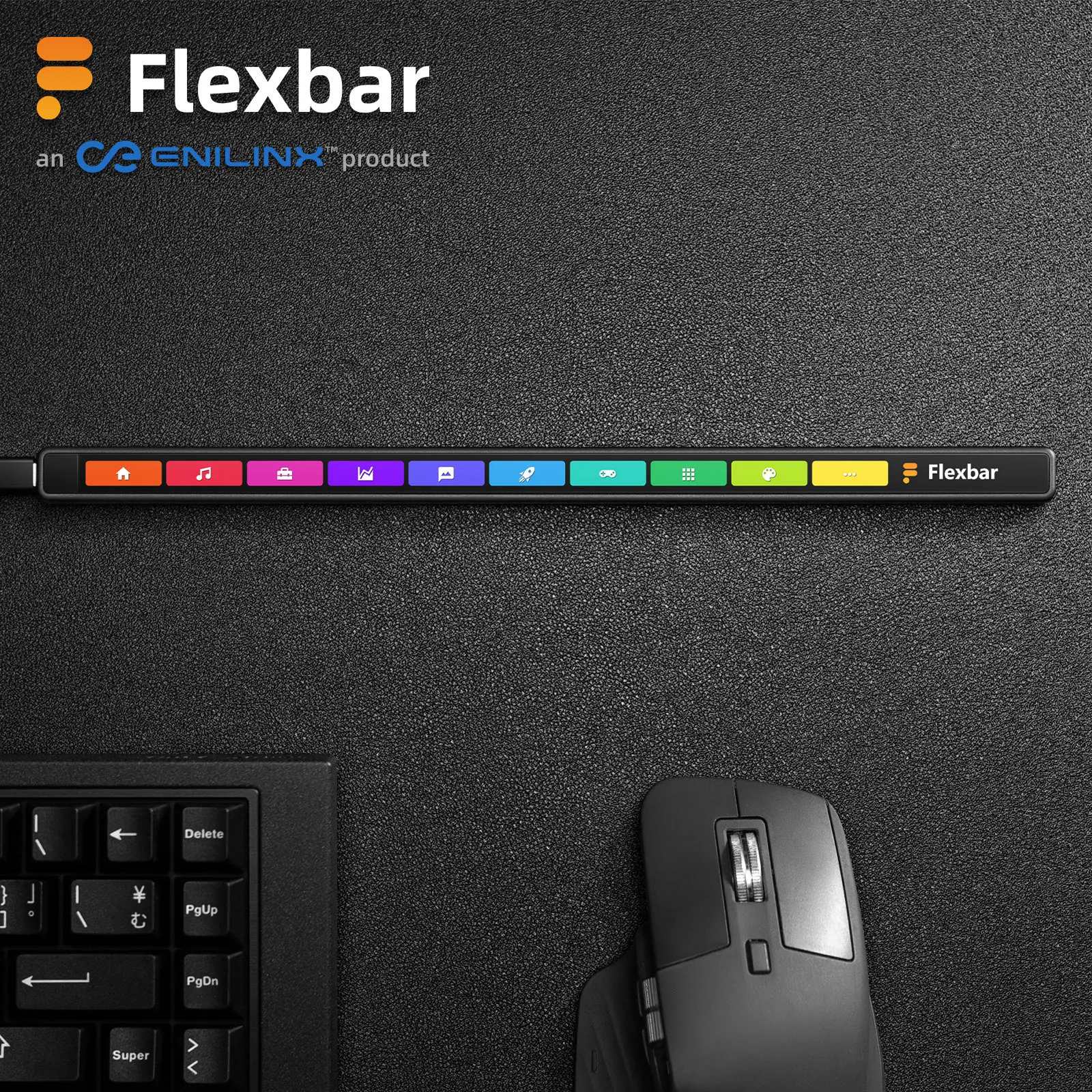
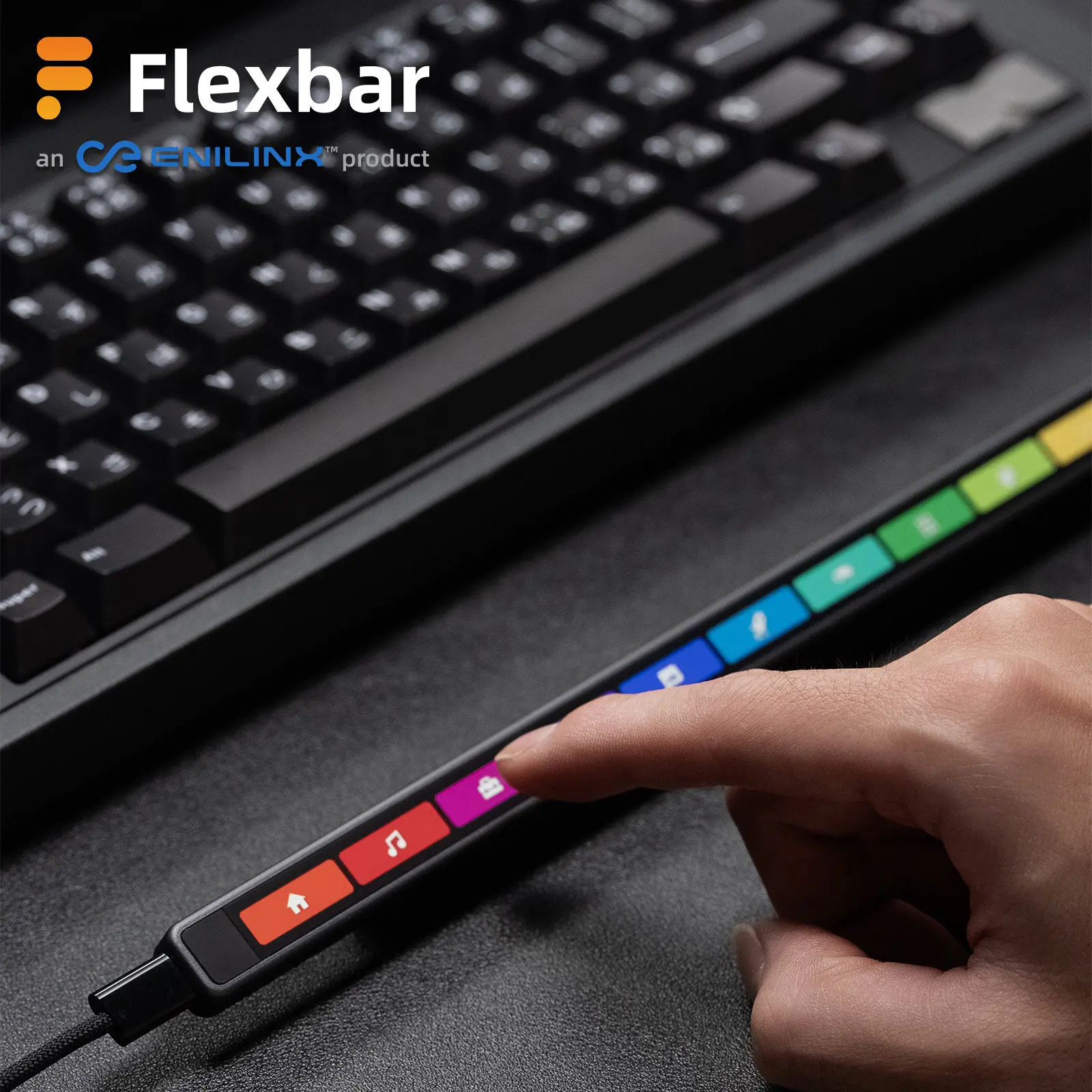
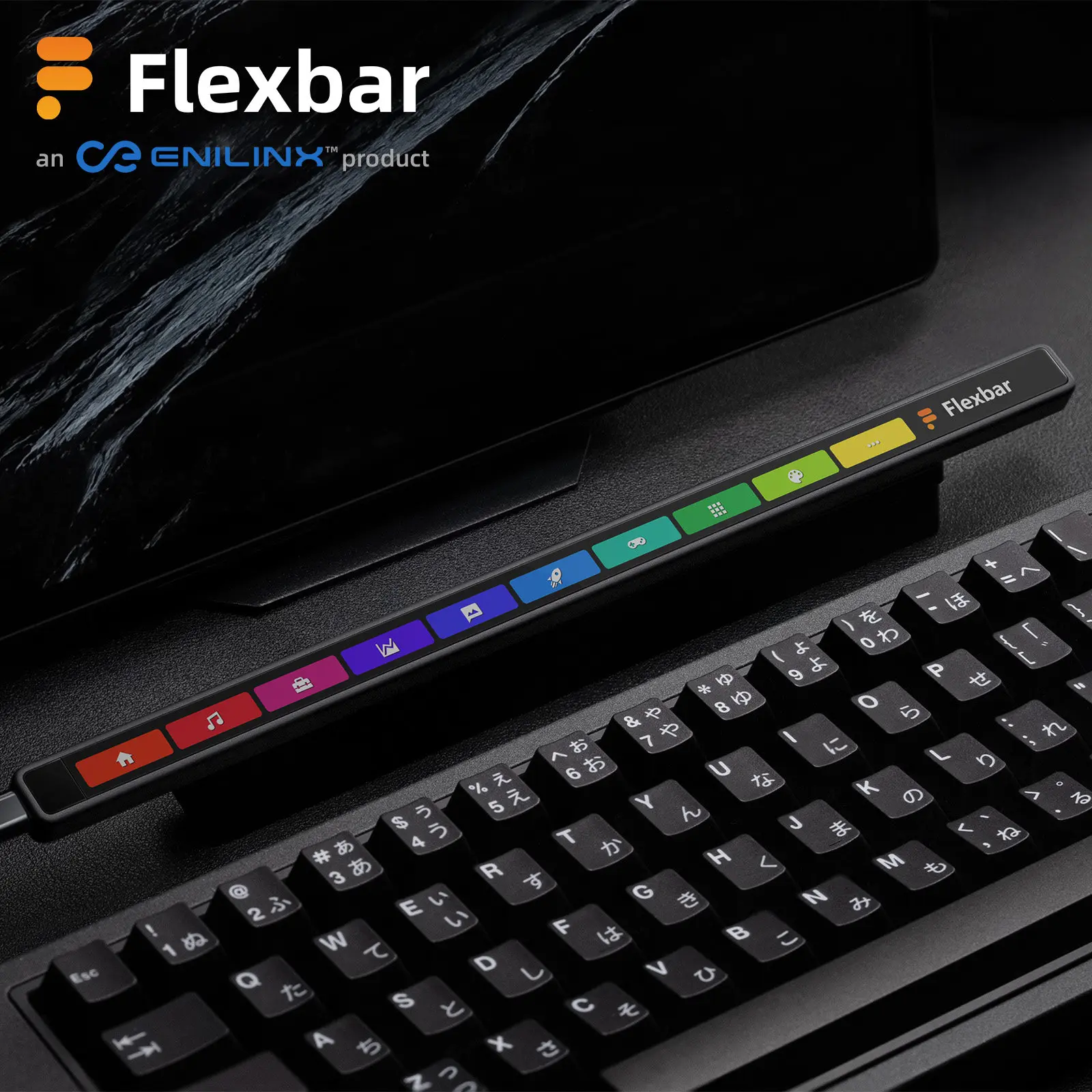
onetenfix : Flexbar is a customizable desktop touch keyboard. It allows you to assign functions, commands, and macros to keys, improving productivity for creators, broadcasters, and professional users. In addition, it can serve as a highly customizable dynamic visual display, and even a creative tool that combines entertainment and relaxation.
—–
Consumer questions: What plugins does Flexbar support?
onetenfix : Flexbar works with any application that supports keyboard shortcuts. FlexbarDesigner comes pre-configured with shortcuts for many popular software applications and is deeply integrated with OBS Studio, Streamlabs, Twitch, Adobe Creative Suite, Microsoft Office, Minecraft, and more. More integration features will be released continuously, constantly evolving your work and entertainment experience.
Consumer Question:What are the requirements for the Flexbar operating system?
onetenfix: FlexbarDesigner supports Windows, macOS, and Linux. Flexbar's basic keyboard shortcuts can be used on any USB-enabled device, including phones and iPads, plug and play like a regular keyboard. Some advanced features require the FlexbarDesigner software. Please note: differences between operating systems may cause slight variations in the behavior of some functions.
Consumer Question:Do I need to install software?
onetenfix: Yes. To customize keyboard shortcuts and key styles, please install our free software FlexbarDesigner (available on our website). After completing the settings, Flexbar will automatically save the configuration, allowing you to use it like a regular keyboard shortcut even when connected to other devices. Note: Some advanced features still require FlexbarDesigner.





Reviews
There are no reviews yet.